WordPress powers a huge portion of the web, and one of the biggest reasons is how well it works for SEO. Out of the box, WordPress gives you a strong foundation, but ranking on Google takes more than just installing it. With the right setup and habits, you can turn your WordPress site into a steady source of organic traffic. This guide is a complete, beginner friendly walkthrough of WordPress SEO and the steps that actually move the needle.
Whether you run a blog, a business site, or an online store, these principles apply. If you want expert help getting your site to the top of search results, professional WordPress SEO services can accelerate your growth.
What Is WordPress SEO?
WordPress SEO is the practice of optimizing a WordPress website so it ranks higher in search engines and attracts more visitors. It combines technical setup, on page optimization, quality content, and site performance. Because WordPress is so flexible, it gives you control over nearly every element that search engines care about, which is exactly why it is such a powerful platform for SEO when used correctly.
Why WordPress Is Great for SEO
WordPress is built in a way that search engines find easy to crawl and understand. It produces clean code, lets you control your URLs, titles, and metadata, and supports powerful SEO plugins that simplify advanced tasks. It also makes publishing content simple, which matters because fresh, helpful content is one of the strongest ranking factors. This combination of flexibility and ease of use gives WordPress users a real advantage.
How to Optimize Your WordPress Site for SEO
1) Choose a Fast, SEO Friendly Theme
Your theme affects both speed and structure, which are important for SEO. Choose a lightweight, well coded theme that is responsive and does not overload your pages with unnecessary features. A clean, fast theme gives you a strong foundation and helps your site perform well for both users and search engines.
2) Install an SEO Plugin
An SEO plugin makes optimizing WordPress far easier. It lets you control your titles and meta descriptions, generate a sitemap, manage indexing, and get guidance on optimizing each page. Install a trusted SEO plugin early, and use it to handle the technical details that would otherwise require code.
3) Set Search Engine Friendly Permalinks
Your permalink structure determines how your URLs look. Set them to a clean, readable format that includes the post name rather than numbers or dates. Descriptive URLs are easier for both users and search engines to understand, and they help reinforce the topic of each page.
4) Do Keyword Research
Every strong SEO strategy starts with understanding what your audience searches for. Research relevant keywords with real demand and reasonable competition, then map them to specific pages and posts. Targeting the right keywords ensures your content matches what people are actually looking for.
5) Optimize Your Titles and Meta Descriptions
Your title tag and meta description shape how your page appears in search results. Write unique, keyword rich titles that grab attention, and compelling descriptions that encourage clicks. Your SEO plugin makes it easy to customize these for every page, so never leave them blank or duplicated.
6) Create High Quality Content
Content is the heart of WordPress SEO. Publish original, in depth content that answers your audience’s questions and matches their search intent. Use clear headings, short paragraphs, and helpful visuals to make it easy to read. Consistently publishing valuable content is what earns rankings, links, and loyal readers over time.
7) Optimize Your Images
Images make your content engaging, but large files slow your site down. Compress every image before uploading, use descriptive file names, and add alt text so search engines understand them. Optimized images improve your speed, accessibility, and visibility in image search.
8) Use Internal Links
Internal links connect your pages, help visitors navigate, and spread authority across your site. Link your posts to relevant service pages and related articles using clear, descriptive anchor text. A strong internal linking structure helps both users and search engines understand how your content fits together.
9) Improve Your Site Speed
Speed is a ranking factor and a major part of user experience. Use caching, compress images, choose quality hosting, and limit unnecessary plugins to keep your site fast. A quick loading site keeps visitors engaged and supports better rankings, especially on mobile devices.
10) Make Your Site Mobile Friendly
Most searches happen on mobile, and Google uses mobile first indexing. Make sure your WordPress site looks and works perfectly on phones, with readable text, easy navigation, and fast loading. A great mobile experience is essential for ranking and keeping visitors happy.
11) Build Quality Backlinks
Links from reputable websites signal authority and trust. Earn them by creating content worth referencing, building genuine relationships, and getting featured on relevant sites. Combining strong on page optimization with quality backlinks gives your WordPress site the best chance to rank well.
12) Connect Google Search Console and Analytics
To improve your SEO, you need to measure it. Connect Google Search Console to monitor your rankings, clicks, and indexing, and use an analytics tool to track your traffic and visitor behavior. This data shows you what is working, what needs improvement, and where your best opportunities are, turning guesswork into informed decisions.
13) Keep WordPress, Themes, and Plugins Updated
An outdated site is slower, less secure, and more prone to errors that can hurt your SEO. Keep your WordPress core, theme, and plugins updated to stay fast, secure, and compatible. Regular maintenance protects both your rankings and your visitors, and it prevents small issues from becoming major problems.
Technical SEO Basics for WordPress
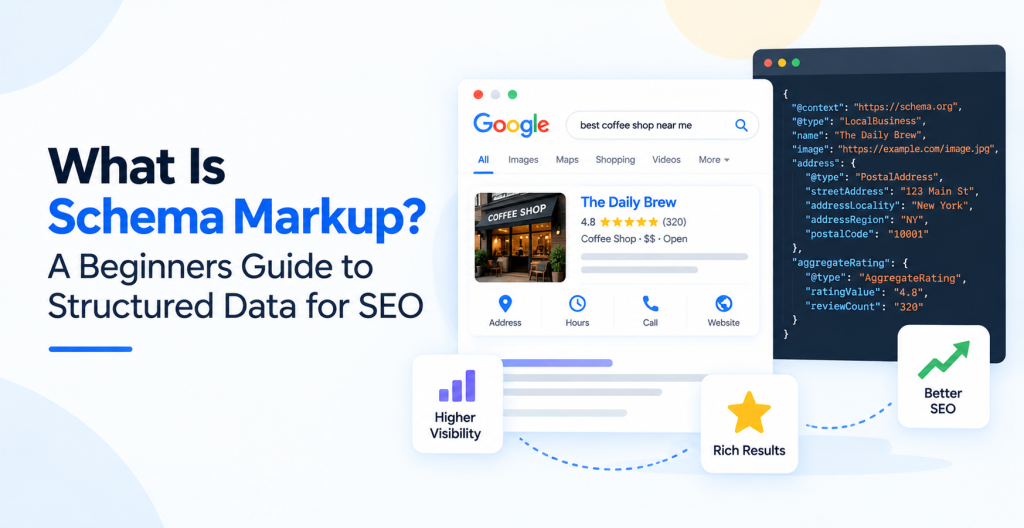
Beyond content and on page work, a few technical steps keep your site healthy. Make sure your site uses HTTPS for security, submit your sitemap to Google Search Console, fix broken links and redirects, and add structured data where relevant. Pairing these habits with solid technical SEO ensures search engines can crawl, index, and rank your site without obstacles.
Organize Your Content With Categories and Tags
WordPress lets you group content with categories and tags, and using them well improves both user experience and SEO. Categories act like the main sections of your site, while tags describe specific details within posts. Use a clear, logical structure with a handful of well planned categories rather than dozens of overlapping ones. Good organization helps visitors find related content, keeps them on your site longer, and helps search engines understand how your content is connected. Avoid creating too many thin tag or category pages, since these can dilute your site quality if they hold little content.
Common WordPress SEO Mistakes to Avoid
- Leaving titles and meta descriptions blank or duplicated.
- Installing too many plugins and slowing your site down.
- Publishing thin content instead of helpful, in depth pages.
- Ignoring image optimization and site speed.
- Forgetting to connect Google Search Console.
Frequently Asked Questions
Is WordPress good for SEO?
Yes. WordPress is one of the most SEO friendly platforms available, offering clean structure, full control over your content, and powerful plugins that make optimization straightforward.
Do I need an SEO plugin for WordPress?
While not strictly required, an SEO plugin makes optimization far easier by handling titles, meta descriptions, sitemaps, and technical settings without needing to code.
How long does WordPress SEO take to work?
SEO is a long term effort. Most sites start seeing improvements within a few months, with results growing stronger as your content and authority build over time.
Can I do WordPress SEO myself?
Yes, you can handle the basics yourself with the right tools and guidance. For competitive niches or faster results, working with experienced professionals is often worthwhile.
How many plugins is too many?
There is no fixed number, but each plugin adds code and potential slowdown. Keep only the plugins you genuinely need, make sure they are well maintained, and remove any you no longer use to keep your site fast and secure.
Does site speed really affect WordPress SEO?
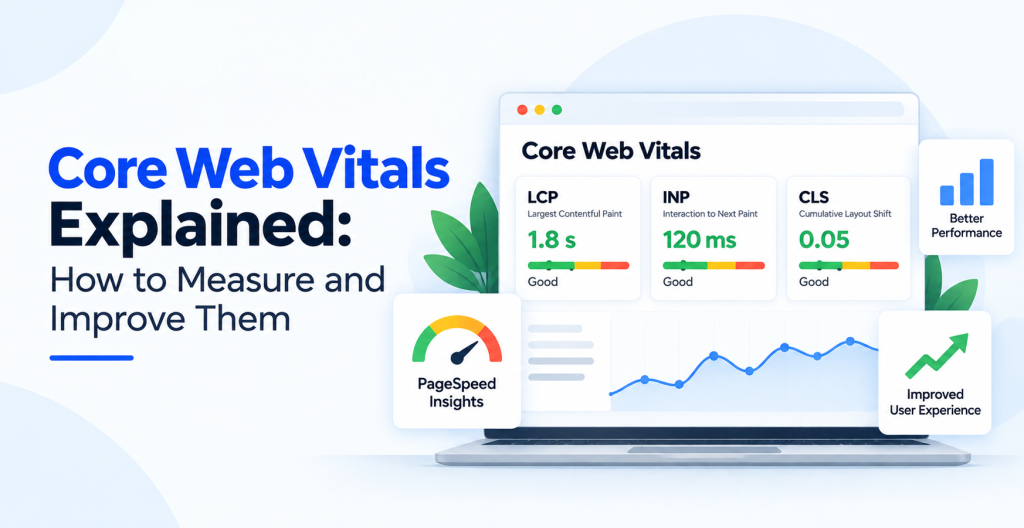
Yes. Speed influences both user experience and Core Web Vitals, which are ranking factors. A faster WordPress site tends to rank better and keeps more visitors engaged, especially on mobile.
Conclusion
WordPress gives you everything you need to build a site that ranks, but it takes the right setup and consistent effort to get there. Choose a fast theme, use an SEO plugin, publish high quality content, optimize your titles and images, and support it all with a fast, secure, mobile friendly site. Stay consistent, and your WordPress site will steadily climb the search results and bring in more traffic. SEO is not a one time project but an ongoing process, so treat it as a habit rather than a task. The sites that win are the ones that keep publishing, keep improving, and keep paying attention to what their data tells them.
If you want expert help getting your WordPress site to the top of Google, Optmistic Technologies offers dedicated WordPress SEO services built for real, measurable growth. Request a free quote and start growing your traffic today.