An SEO audit is a full health check of your website. It tells you why you are not ranking as well as you should, and exactly what to fix first. Done properly, it turns a vague feeling that “traffic is stuck” into a clear, prioritized list of actions. This guide takes you through a complete SEO audit from start to finish, covering the technical foundation, on-page content, speed, backlinks, and the newer question of how your site shows up in AI search. You will not need to guess at any step, and you will finish with a working checklist you can run every quarter.
What Is an SEO Audit and Why It Matters
An SEO audit is the process of evaluating everything that affects how your website performs in search, then recording the problems and the fixes. It looks at whether search engines can crawl and index your pages, whether your content matches what people search for, how fast and mobile friendly your pages are, how trustworthy your backlink profile is, and whether your tracking is set up to measure results.
It matters because search engines change constantly and small issues pile up quietly. A broken redirect here, a duplicate title there, a slow page, and a handful of thin articles can together hold an entire site back. An audit surfaces all of it in one place so you fix the right things in the right order.
How Often Should You Run an SEO Audit
For most websites, a full audit once a quarter is the right rhythm. Stores and news style sites that publish daily should run a lighter audit every month, because they create new pages and new problems faster. It is also worth running a focused audit after any big change, such as a redesign, a platform migration, or a move to a new domain.
Tools You Will Need
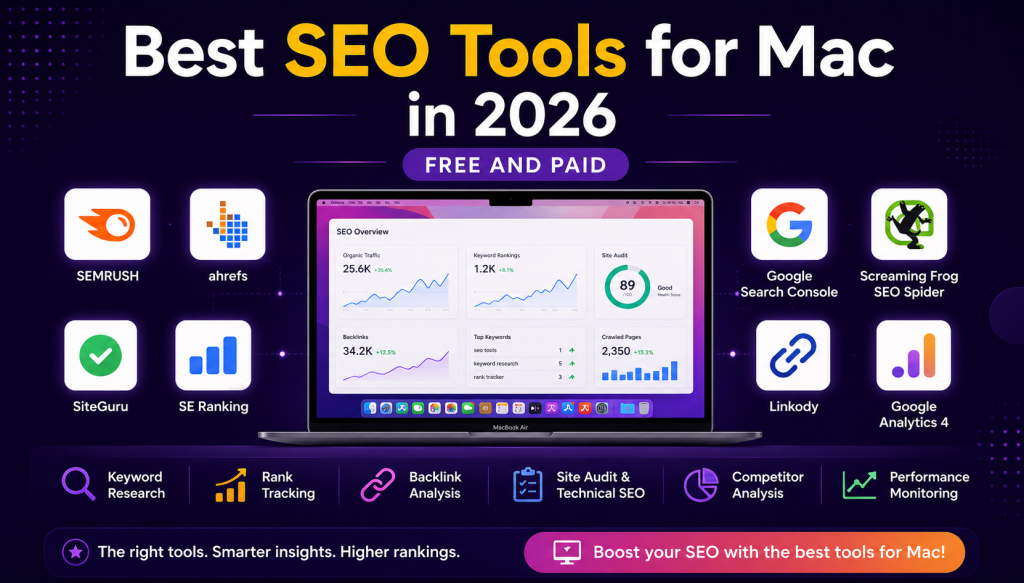
You can complete a solid audit with mostly free tools. Here is the core set.
| Tool | What it checks | Cost |
|---|---|---|
| Google Search Console | Indexing, queries, clicks, positions, errors | Free |
| Google Analytics 4 | Traffic, engagement, conversions | Free |
| Google PageSpeed Insights | Core Web Vitals and speed | Free |
| Screaming Frog | Full site crawl, titles, links, redirects | Free up to 500 URLs |
| Ahrefs or Semrush | Backlinks, keywords, site health | Paid (optional) |
Part 1: The Technical SEO Audit
This part checks that search engines can find, crawl, and index your site without obstacles. If this foundation is broken, nothing else you do will rank.
Crawl Your Whole Site
Start by crawling the site with a tool like Screaming Frog. This scans every page the way a search bot would and hands you a map of titles, headings, status codes, redirects, and broken links. Everything in this section flows from that crawl.
Check Indexing
Open the Pages report in Google Search Console. Compare how many pages are indexed against how many pages you actually want indexed. If important pages are missing, find out why. If low value pages like tag archives or filter URLs are indexed, they may be diluting your site. Search “site:yourdomain.com” in Google for a quick rough count.
Review robots.txt and Your XML Sitemap
Make sure your robots.txt file is not accidentally blocking pages or sections you want ranked. Confirm you have an up to date XML sitemap that lists your important URLs, and that it is submitted in Search Console. The sitemap should contain only live, indexable pages, not redirects or error pages.
Fix Broken Links and Redirect Chains
From your crawl, list every URL returning a 404 error and either restore the page or redirect it to the closest relevant page. Replace redirect chains, where one URL points to another that points to a third, with a single direct redirect. Broken internal links waste crawl budget and frustrate visitors.
Confirm HTTPS and Site Architecture
Every page should load over HTTPS with a valid certificate, and every HTTP version should redirect to HTTPS. Check that your site structure is shallow and logical, so any page can be reached within a few clicks of the homepage. A clean structure helps both users and crawlers.
Handle Duplicate Content and Canonicals
Look for pages that exist under more than one URL, a common problem with parameters, filters, and www versus non www versions. Use canonical tags to tell search engines which version is the primary one, so ranking signals consolidate on a single URL instead of splitting.
Part 2: The On-Page and Content Audit
Now check whether each page is built to match what people search for.
Title Tags and Meta Descriptions
Using your crawl, find pages with missing, duplicate, or overly long titles. Every important page needs a unique title under about 60 characters that leads with its target keyword. Write meta descriptions of 150 to 160 characters that earn the click, since a higher click through rate supports rankings.
Headings and Content Quality
Each page should have one clear H1 that includes its main topic, with H2 and H3 subheadings that organize the content. Read the content itself. Is it genuinely useful, current, and more complete than what ranks above you? Flag thin pages with little unique value and outdated pages that need a refresh.
Keyword Targeting and Cannibalization
Confirm each page targets one clear primary keyword and that no two pages compete for the same term. When several pages chase one keyword, they split rankings and confuse search engines. Merge or re-focus the weaker pages so each has its own job.
Internal Links
Check that your most important pages receive plenty of internal links with descriptive anchor text, and that no valuable page is orphaned with no links pointing to it. Strong internal linking spreads authority and is entirely within your control. This is a central piece of any on-page optimization effort.
Images and Alt Text
Find images that are missing alt text or are far larger than they need to be. Descriptive alt text helps accessibility and image search, and compressed images keep pages fast.
Part 3: Speed, Core Web Vitals, and Mobile
Page experience is both a ranking factor and a conversion factor, and this is where many sites lose ground.
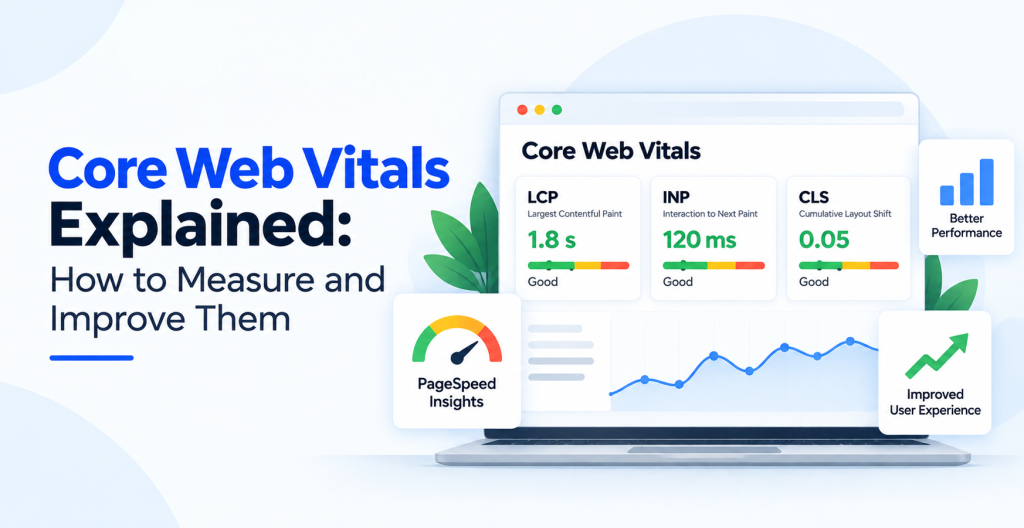
Run your key pages through Google PageSpeed Insights and review the Core Web Vitals, which measure loading speed, interactivity, and visual stability. Address the biggest offenders first, usually oversized images, heavy scripts, and slow server response. Then test on a real phone. The layout should adapt cleanly, tap targets should be easy to hit, and nothing should require pinching or sideways scrolling. Most searches now happen on mobile, so mobile problems are not optional to fix. A deeper pass here belongs to your technical SEO work.
Part 4: The Off-Page and Backlink Audit
Backlinks remain one of the strongest ranking signals, so your link profile deserves a close look.
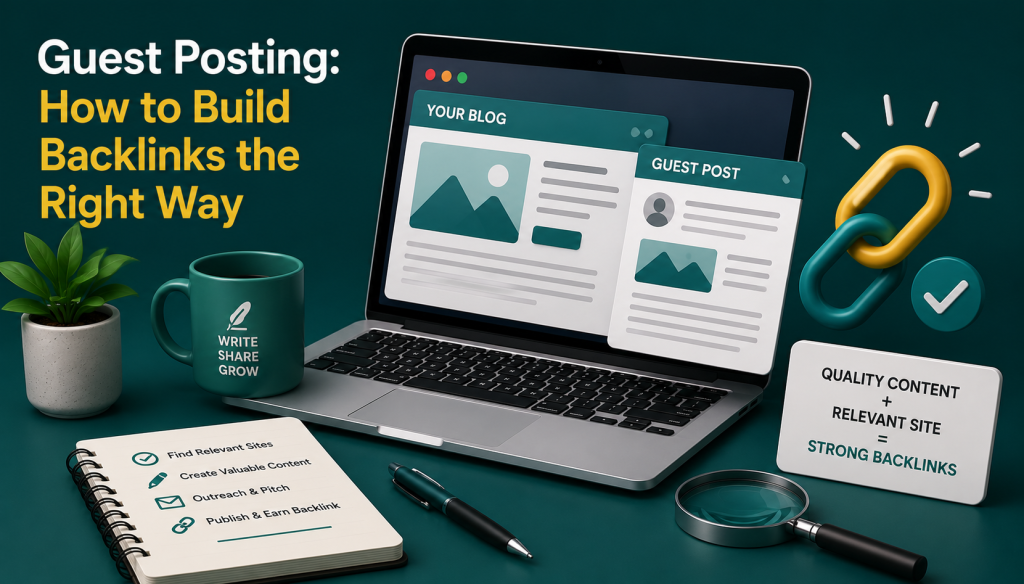
Using Ahrefs, Semrush, or the links report in Search Console, review who links to you. Healthy profiles have links from relevant, trustworthy sites with natural anchor text. Watch for a large number of spammy or irrelevant links, which can signal a low quality profile. Compare your backlink profile against the sites outranking you to see the gap you need to close. Earning more quality links is the goal of ongoing off-page optimization.
Part 5: Analytics, Tracking, and AI Search Visibility
An audit is only useful if you can measure whether your fixes worked, so confirm your measurement is sound.
Check that Google Analytics 4 is installed correctly and firing on every page, that key conversions are set up as events, and that Search Console is verified and collecting data. Without clean tracking, you are optimizing blind.
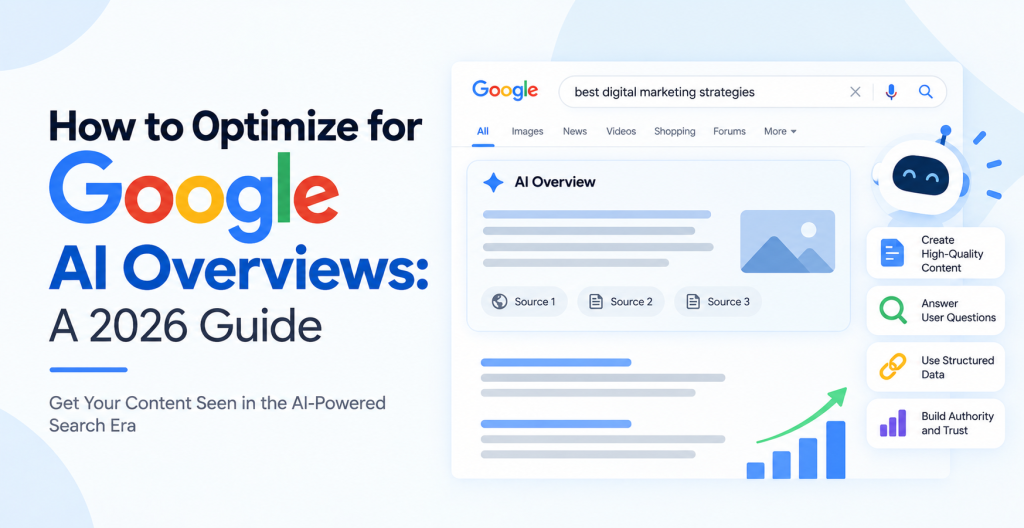
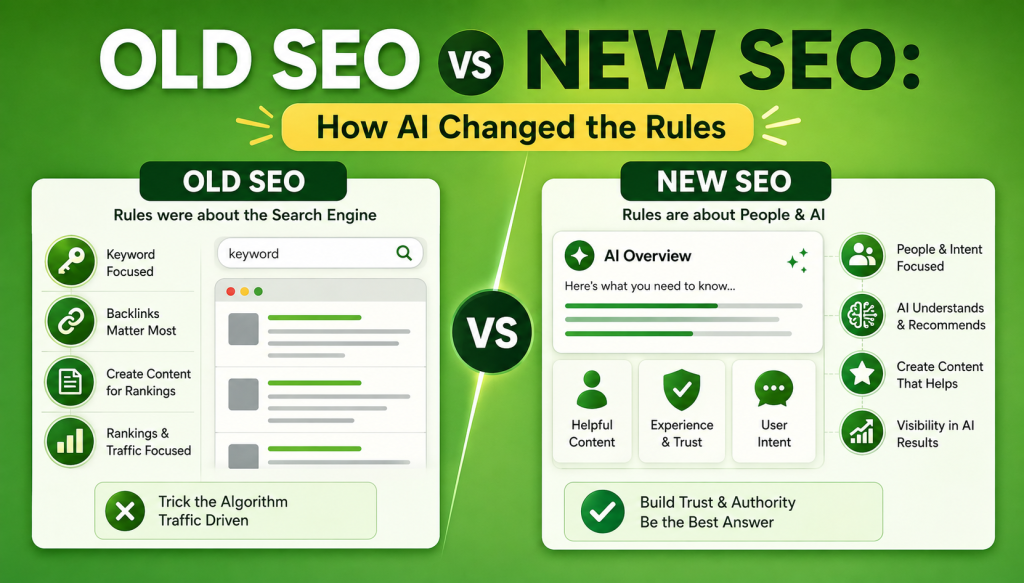
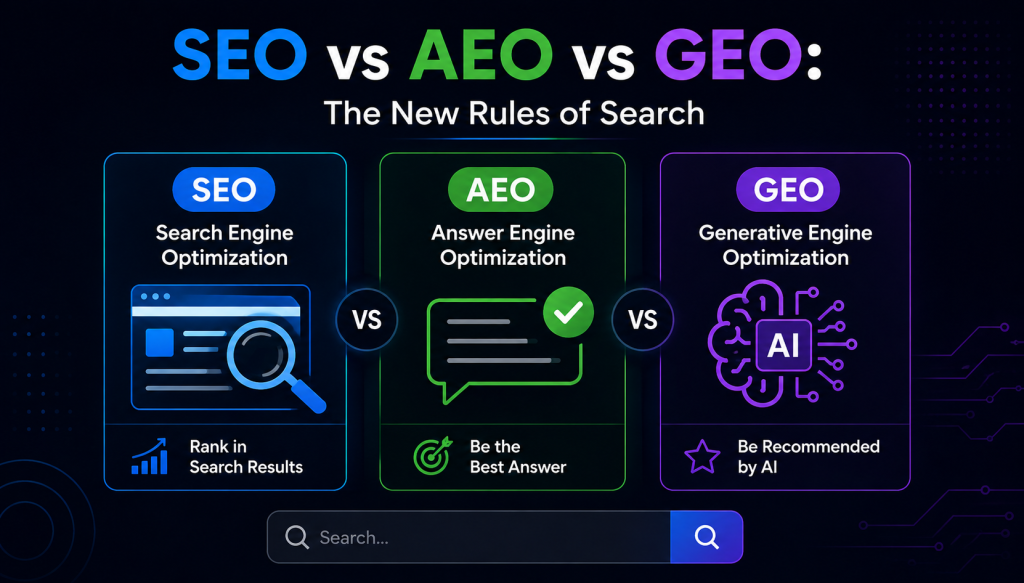
In 2026, add one more check. Search increasingly happens inside AI answers and AI overviews, not just the classic blue links. Look at whether your pages are being cited in AI generated results for your topics, and make sure your content is clear, well structured, and factual enough to be quoted. Schema markup, direct answers near the top of the page, and strong topical depth all help your content earn a place in these answers.
Part 6: Turn Findings Into an Action Plan
A list of problems is not a strategy. The final step is to prioritize.
Sort every issue by impact and effort. Fix the high impact, low effort items first, such as restoring a broken high traffic page, correcting a page wrongly set to noindex, or rewriting weak titles on pages that already get impressions. Schedule the bigger jobs, like a site speed overhaul or a content refresh program, into the weeks that follow. Assign an owner and a date to each item so the audit becomes real work, not a report that gathers dust.
Your SEO Audit Checklist
Run through this list every quarter:
- Full site crawl completed
- Indexed pages match intended pages in Search Console
- robots.txt and XML sitemap correct and submitted
- 404 errors fixed and redirect chains removed
- HTTPS enforced across the whole site
- Duplicate content resolved with canonical tags
- Unique, keyword led title tags under 60 characters
- Unique meta descriptions of 150 to 160 characters
- One clear H1 and logical subheadings per page
- Thin and outdated content flagged for refresh
- No keyword cannibalization between pages
- Important pages well internally linked, no orphans
- Images compressed with descriptive alt text
- Healthy Core Web Vitals and clean mobile experience
- Backlink profile reviewed for quality and gaps
- GA4 and Search Console verified and tracking conversions
- Content structured to be quotable in AI search results
- Findings prioritized with owners and deadlines
Frequently Asked Questions
What is an SEO audit?
An SEO audit is a full review of everything affecting your website’s search performance, including crawlability, indexing, on-page content, site speed, mobile experience, backlinks, and tracking. It produces a prioritized list of problems and the fixes needed to improve rankings.
How long does an SEO audit take?
A focused audit of a small site can take a few hours. A thorough audit of a large site, with a full crawl, content review, and backlink analysis, usually takes one to three days. The fixes that follow take longer and are scheduled over the weeks after the audit.
Can I do an SEO audit myself for free?
Yes. Google Search Console, Google Analytics 4, PageSpeed Insights, and the free tier of Screaming Frog cover most of a solid audit. Paid tools like Ahrefs and Semrush add depth on backlinks and keywords, but you can complete a strong audit without them.
How often should I audit my website?
Run a full audit every quarter for most sites, and monthly for stores or publishers that add pages daily. Always run one after a redesign, a migration, or a domain change, since those often introduce new technical issues.
What is the difference between a technical SEO audit and a full SEO audit?
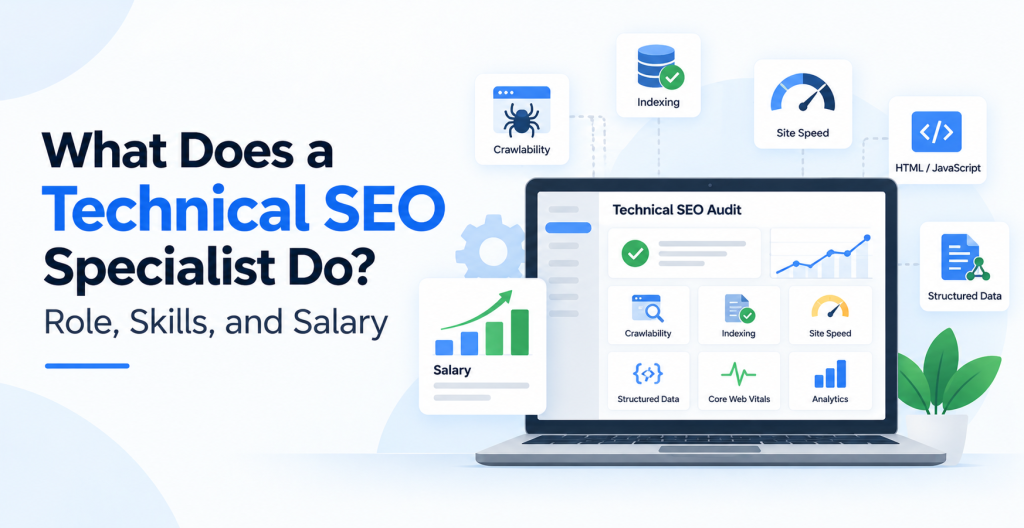
A technical SEO audit focuses only on crawling, indexing, site speed, and structure. A full SEO audit includes all of that plus on-page content, keyword targeting, backlinks, analytics, and AI search visibility. The technical audit is one part of the complete audit.
What should I fix first after an audit?
Start with high impact, low effort issues: restoring broken pages that had traffic, fixing pages wrongly blocked from indexing, and rewriting weak titles on pages that already earn impressions. These deliver the fastest gains while you schedule the larger technical and content projects.
An SEO audit is not a one time event. Run it on a regular schedule, act on the findings in priority order, and your rankings will improve steadily as the small issues stop piling up. If you would rather have a specialist handle it, our team offers a complete SEO services engagement that includes a full audit and the work to fix everything it uncovers.