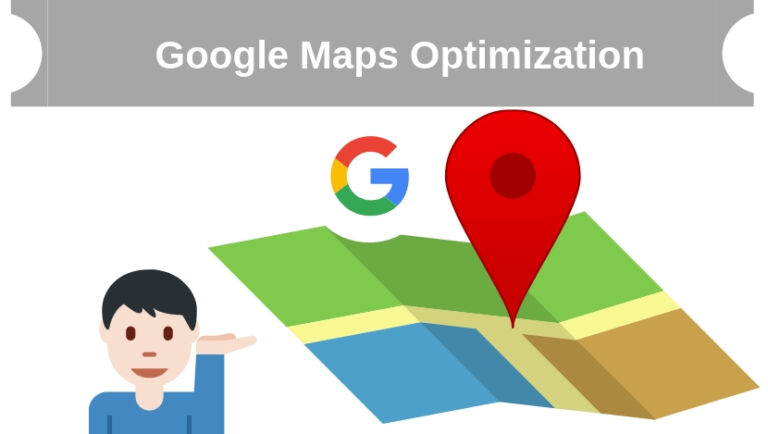
When people search for a business near them, Google Maps is often the first thing they see. Those top few map results capture a huge share of calls, visits, and bookings, which is why Google Maps optimization has become essential for any business that serves a local area. Ranking in the local map results puts you in front of customers at the exact moment they are ready to act.
This guide explains what Google Maps optimization is and the practical steps to help your business appear where local customers are looking. If you would rather have specialists handle it, professional Google Map optimization services can get you ranking faster.
What Is Google Maps Optimization?
Google Maps optimization is the process of improving your business listing and online presence so you rank higher in local map results. When someone searches for a service near them, Google displays a short list of local businesses on a map, often called the local pack. Optimizing for it helps you earn one of those valuable top spots and the steady stream of customers that comes with it.
Why Google Maps Optimization Matters
Most people who run a local search never scroll far. They choose from the businesses shown in the map results at the top of the page. If your business does not appear there, you are effectively invisible to customers who are ready to buy. Ranking well drives more phone calls, direction requests, and foot traffic, making it one of the highest impact things a local business can do.
How to Optimize for Google Maps
1) Claim and Verify Your Google Business Profile
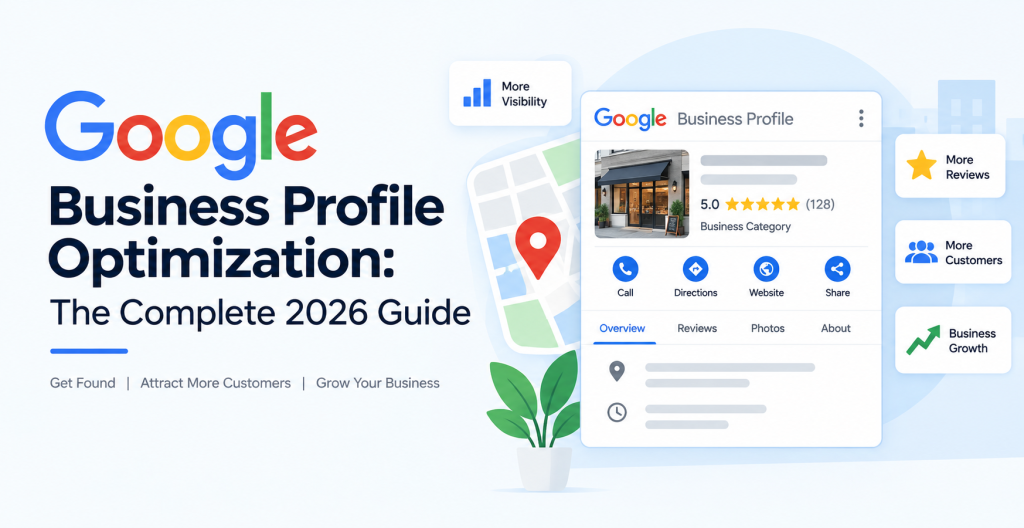
Your Google Business Profile, formerly known as Google My Business, is the foundation of Maps optimization. Claim your listing, complete every section, and verify it so Google trusts your information. Fill in your business description, hours, services, and website. A complete, accurate profile is what makes you eligible to rank in the local results.
2) Keep Your Name, Address, and Phone Consistent
Your business name, address, and phone number, often called your NAP, must be identical everywhere they appear online. Inconsistent details confuse both customers and Google and can hurt your rankings. Double check your website, social profiles, and directory listings so everything matches exactly.
3) Choose the Right Categories
Selecting accurate primary and secondary categories tells Google exactly what your business does and which searches you should appear for. Be specific and choose the categories that best match your core services. The right categories dramatically improve how often you show up for relevant local searches.
4) Add Photos That Make a Strong Impression
Photos are often the first thing a potential customer notices. Upload high quality images of your business, products, team, and location, and keep them fresh. Choose inviting photos that create a positive first impression, since people form quick judgments from what they see. Avoid empty or dull images that make your business look unappealing.
5) Collect and Respond to Reviews
Reviews are one of the strongest signals in local rankings and a major factor in whether customers choose you. Encourage happy customers to leave honest reviews, and always respond professionally, especially to negative ones. A steady flow of positive, recent reviews builds trust and helps you climb the local results.
6) Optimize Your Website for Local Search
A strong website supports your map rankings. Create clear, unique pages for each of your services, include your location naturally in your content, and add your business details in the footer. Combining this with solid local SEO reinforces your relevance and improves your position in Maps.
7) Build Local Citations and Links
Citations are mentions of your business on other websites, such as directories and local listings. Consistent citations and links from reputable local sources build authority and confirm your legitimacy to Google. The more trusted references you have, the better your chances of ranking near the top.
8) Post Updates Regularly
An active profile signals to Google that your business is engaged and current. Use Google Business Profile posts to share offers, news, and updates, and keep your hours and information up to date. Regular activity keeps your listing fresh and can improve both visibility and engagement.
Common Mistakes to Avoid
- Leaving your Google Business Profile incomplete or unverified.
- Using inconsistent name, address, or phone details across the web.
- Ignoring reviews or failing to respond to them.
- Uploading poor quality or misleading photos.
- Trying to trick the system with hidden text or fake information.
Frequently Asked Questions
How long does it take to rank on Google Maps?
Some businesses see improvements within a few weeks of optimizing their profile, while competitive areas may take longer. Consistent effort and strong reviews speed up your progress.
Is Google Business Profile free?
Yes. Creating and optimizing your Google Business Profile is completely free, and it is the single most important step for ranking on Google Maps.
Do reviews affect Google Maps rankings?
Yes. The number, quality, and recency of your reviews strongly influence your local rankings and how likely customers are to choose you.
Conclusion
Google Maps optimization is one of the most effective ways to attract nearby customers. By claiming your Google Business Profile, keeping your details consistent, earning great reviews, and supporting it all with a strong website, you can secure a spot in the local results and win more business.
If you want expert help getting your business to the top of Google Maps, Optmistic Technologies offers dedicated Google Map optimization services built for local growth. Request a free quote and start attracting more local customers today.